 LUMIERE
Golden Hour
A low, warm sun from any direction: a directional wash, glow and cast-light bands that fall across the frame like light through a window.
Lumiere is a camera, darkroom and film lab in one. More than 120 film and cinema looks render live in the viewfinder, with full manual control, real portrait depth, and photo and video editors built in. Your Apple Watch can be the remote.
Live demo. Swipe the viewfinder, tap the shutter.
No mockups. Every image here went through Lumiere's own filter pipeline, the same code that grades your viewfinder live. Pick a scene, pick a look, then drag the divider to compare.
Showing 46 of 124 looks at 100% intensity, using the app's default settings. Look names are the in-app names. Sample photos: Unsplash.
Golden Hour, Digicam and Cinematic don't just grade color, they relight the scene. They find your subject on their own and work live on both photos and video.
A low, warm sun from any direction: a directional wash, glow and cast-light bands that fall across the frame like light through a window.
The compact-camera night-flash look. The ambient light falls toward evening and a warm on-camera flash pops your subject out of it. No fake grain, just light.
A motion-picture print grade: teal shadows, golden highlights, lifted blacks and late-afternoon sun, finished with halation and a vignette.
Drag across a photo to compare. Rendered by the app's GoldenHourEngine, DigicamEngine and CinematicEngine with on-device subject masks. Slider values (light direction, intensity, flash, teal) are set per photo, just as you would in the app.
Live background blur for people, pets and objects. Tap to pin a subject, long-press to add another, then set the strength on the aperture dial.
On-device Vision masks find every subject. Choose one, several, or all of them.
Add a key light at 3K to 9K and shape it with Power and Spread.
Golden light with SYNC SUN matches the sun's actual position from GPS and compass.
Shoot up to 48 MP in HEIF, JPEG, DNG RAW, ProRAW or RAW+HEIF, in 4:3, 16:9, 1:1, 1.85:1, 2.39:1 or full frame. Self-timer, Night mode, Multi-shot and Long Exposure are all one tap away.
Live depth on anything, with an aperture dial from PORTRAIT to SHARP. Add studio light, or golden light synced to the sun.
Record HD, 1080p or 4K at 24, 30 or 60 fps in H.264, H.265, ProRes or ProRes HQ, with Stable or Gimbal stabilization. Every look grades your footage live as you shoot.
Cinemagraph loops in four styles. Spotlight keeps the center alive, Ribbon moves a band, Cinema gives a clean full-frame loop and Loop plays forward, then back.
Switch from Essential to Pro and the full toolkit appears: shutter from 1/8000 to 1 s, ISO, manual focus with peaking, white balance from 2000 to 10000 K, ±3 EV, a live histogram, grids and a horizon level. Try it.
Auto adjusts ISO and shutter speed for you. Move a slider to take over.
Focus peaking outlines in-focus edges in red. Pull focus until the subject lights up.
In Essential, the same control is called Brightness. Drag up or down on the viewfinder.
A browser simulation of the controls on a photo. On iPhone these drive the real sensor.
Scene-adaptive low light, with a stability guide that says when to HOLD STEADY.
Frames every 1, 2, 5 or 10 s, stitched into silky water and light trails.
Four aligned frames merged into one cleaner, more detailed photo.
Texture, Structure and Dehaze, plus XY pads for tone and color, right in the viewfinder.
Rule of Thirds, Golden Ratio or Crosshair, plus a horizon level.
0.5×, 1×, 2×, 3× and 5×, depending on your iPhone. Pinch or swipe the zoom button.
Choose how much your iPhone does for you, from minimal processing to straight-from-the-sensor RAW.
JPEGHEIFDNG RAWProRAWRAW+HEIF
Size12 MP24 MP48 MP
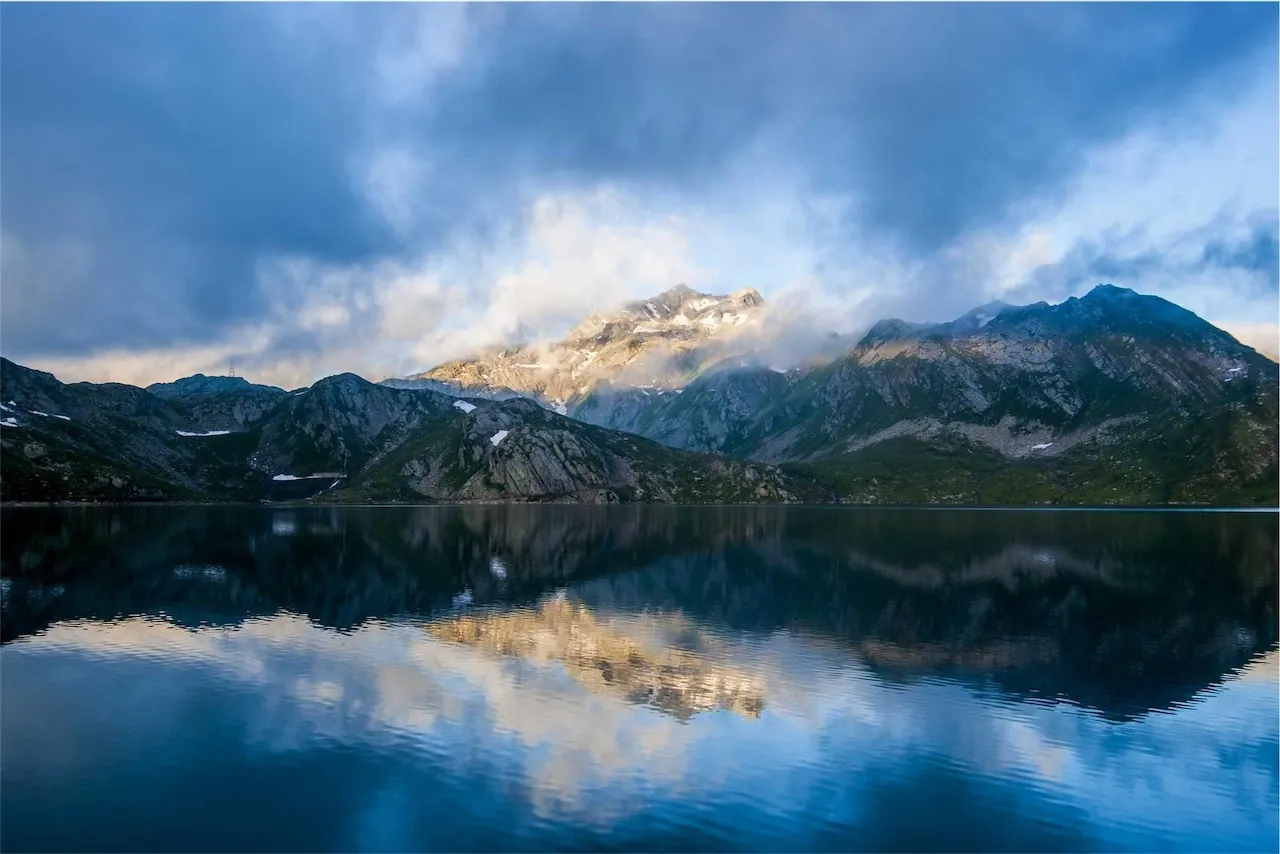
Lumiere reads the scene and suggests a look, or learns one from a photo you love. Everything runs on your iPhone.
AI Pick classifies the scene (people, night, food, sea, scenery) and picks the best look. AI Pickup in Pro mode lays out four options, each with its reason.
Lumiere reads a reference photo's tone, color balance, tints and falloff and turns them into a live filter called My Match, saved for next time.
Results above come from SceneRecommender and FilterMatchEngine, the app's own code, run on these sample photos.
Crop, AI, Retouch, Adjust and Filters. Every look from the camera plus a full grading suite, and your edits stay with each photo so you can come back later.
Hue, saturation and luminance for eight color bands.
Separate sky and foliage controls.
Ten colors or your own, with pinch to fit the photo.
Sharpness, noise reduction, clarity, texture, structure and dehaze.
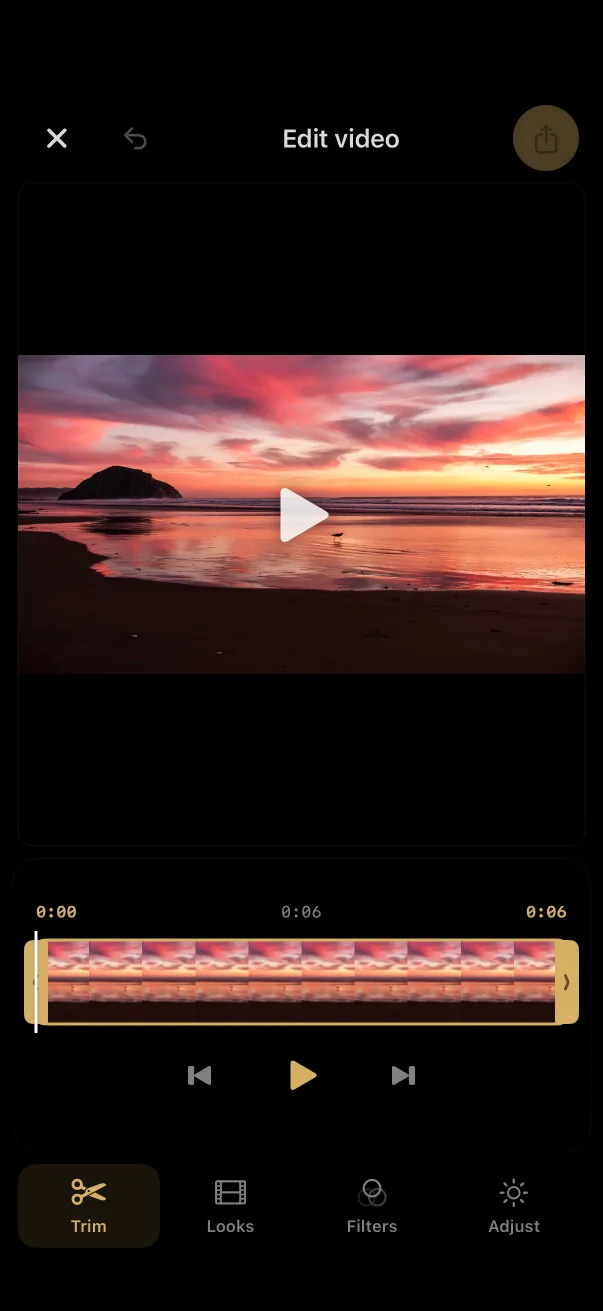
Trim, add looks and filters, adjust exposure, contrast and saturation, rotate, and export a high-quality .mov.
Prop up your iPhone, step into the frame, and see a live preview on your wrist. Turn the Digital Crown to zoom, swipe to change looks, and fire the shutter with a tap or a double-tap gesture.
Try it: tap the watch shutter, scroll or drag on the Digital Crown to zoom, swipe the watch preview to change looks, or open Tools for the self-timer.
See the shot from across the room.
Smooth 1× to 10× with haptic detents.
Pinch your fingers together to fire the shutter, hands-free.
Mode, self-timer, lens, AI look, HDR, Night and Multi-shot.
“Take a photo”, “Flip camera”, “Change filter”.
The watch follows your iPhone's theme, Deep Space included.
Requires Lumiere open on a paired iPhone. watchOS 10 or later.
Press the Camera Control or a hardware button to fire the shutter, and slide for exposure.
Open Lumiere straight from the Lock Screen.
Add the Lumiere Camera control and you're one swipe from shooting.
“Take a photo with Lumiere.”
Zoom, flash, timer, exposure, aspect ratio, filters and more, all as Shortcuts actions.
Voice shutter on “photo”, “picture”, “take photo” or “cheese”. Speech recognition stays on device.
Send any photo or video from the share sheet to the full editor.
Long-press the icon for Photo Editor, Long Exposure, HQ Mode, Video, Start Recording or Night Mode.
A heads-up when golden hour and blue hour start where you are.
Shake your iPhone for a fresh filter. Switch it on in Settings › Capture Assist.
Pick a theme and the whole app follows, Apple Watch included, along with this page. Go on, try one.
Larger Controls mode enlarges text and touch targets across the app.
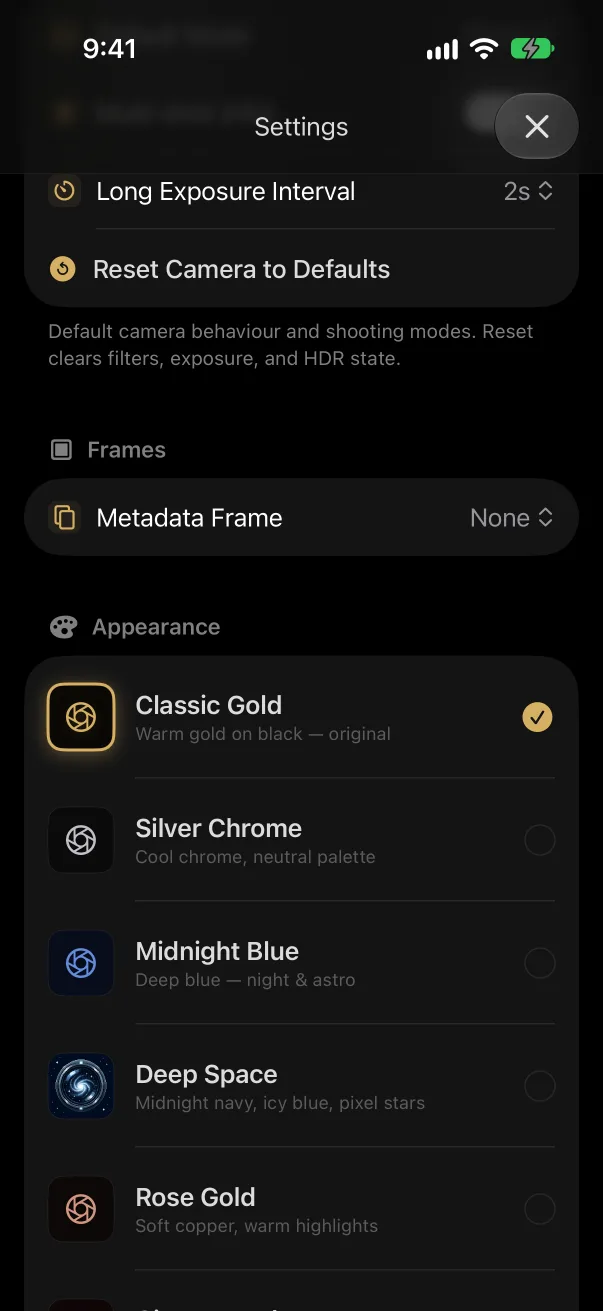
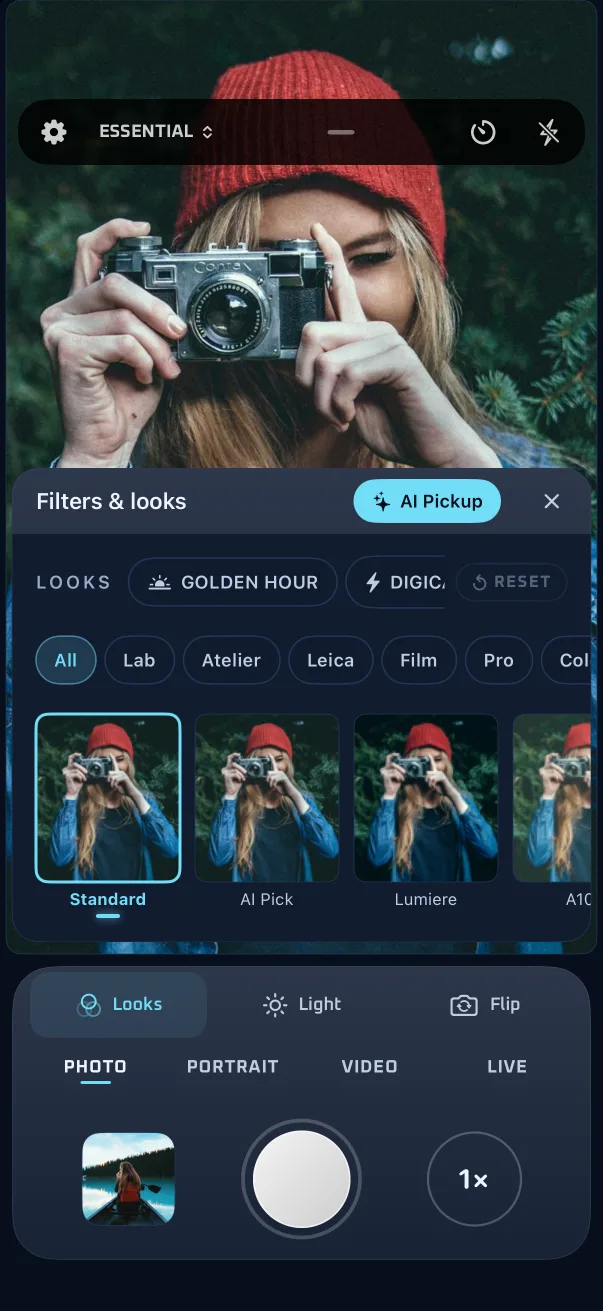
The real app, screen by screen. Drag to browse, or open the interactive guide for a step-by-step walkthrough.
No sign-up and no login. Open it and shoot.
No analytics, no trackers, and no networking code at all.
Scene analysis, subject masks and speech run on Apple's on-device frameworks.
Only for geotags, Sync Sun and Best Light alerts, and only if you allow it.
Lumiere for iPhone, with an Apple Watch remote.
Requires iOS 17 or later. Siri, Lock Screen and Control Center features need iOS 18; the editor's AI tools need iOS 18.1. The Apple Watch remote needs watchOS 10. Lenses, resolutions, ProRAW and ProRes depend on your iPhone model.